Hi Sticky+
Unlock more ways to make notes yours.
Hi Sticky+ is a one-time purchase that adds extra fonts, font sizing, background and accent colors, app icons, and widget settings. Unlock once and use it across your Apple devices, with Family Sharing support.
Download on the App Store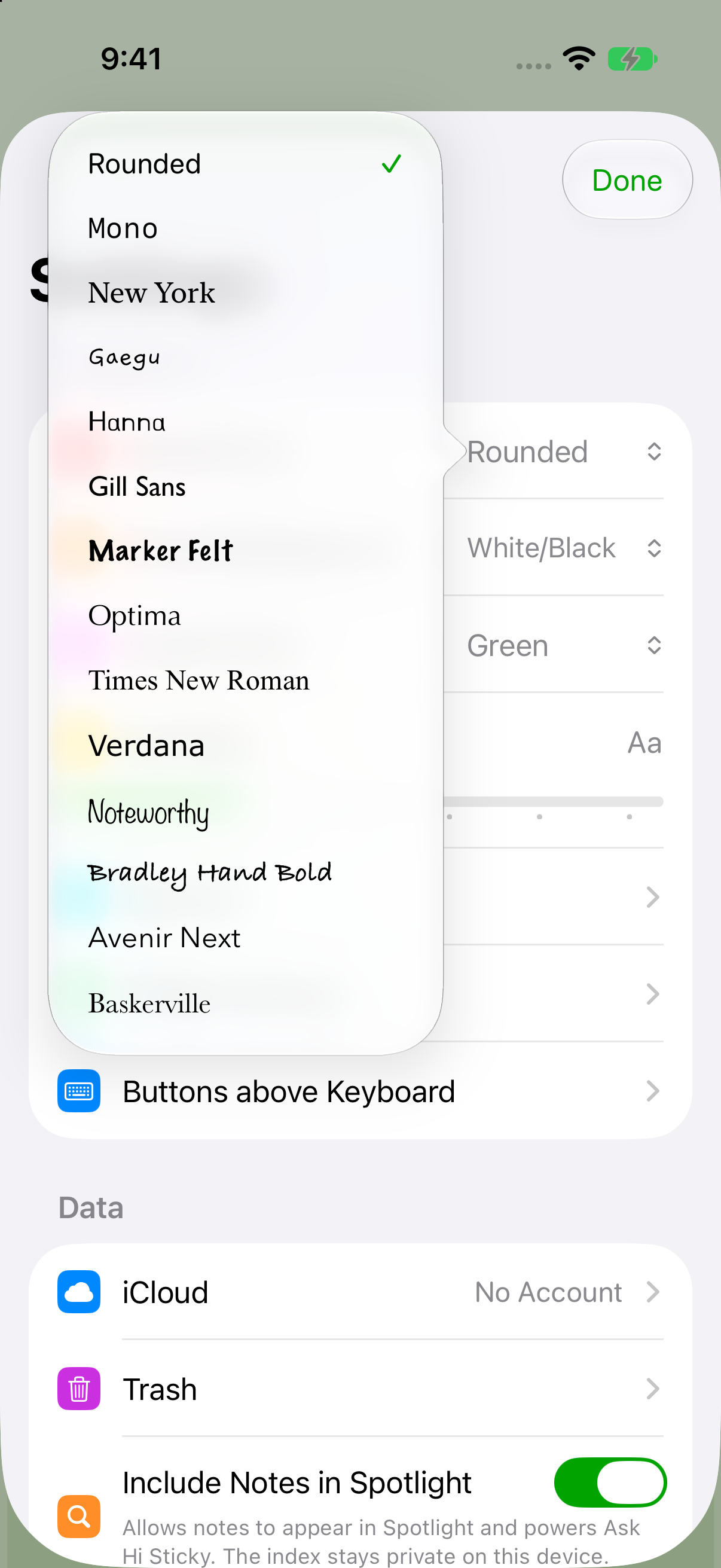
The app began as Notes SE and became Hi Sticky to better describe what it does: lightweight notes that stay close. Hi Sticky+ builds on that idea by unlocking more personal styling and widget controls without turning the app into something heavy.
1. Additional Fonts
Choose a voice for each note.
Select from a wider set of fonts for individual notes, adjust the reading size, or set defaults so every new note begins with the style you prefer.
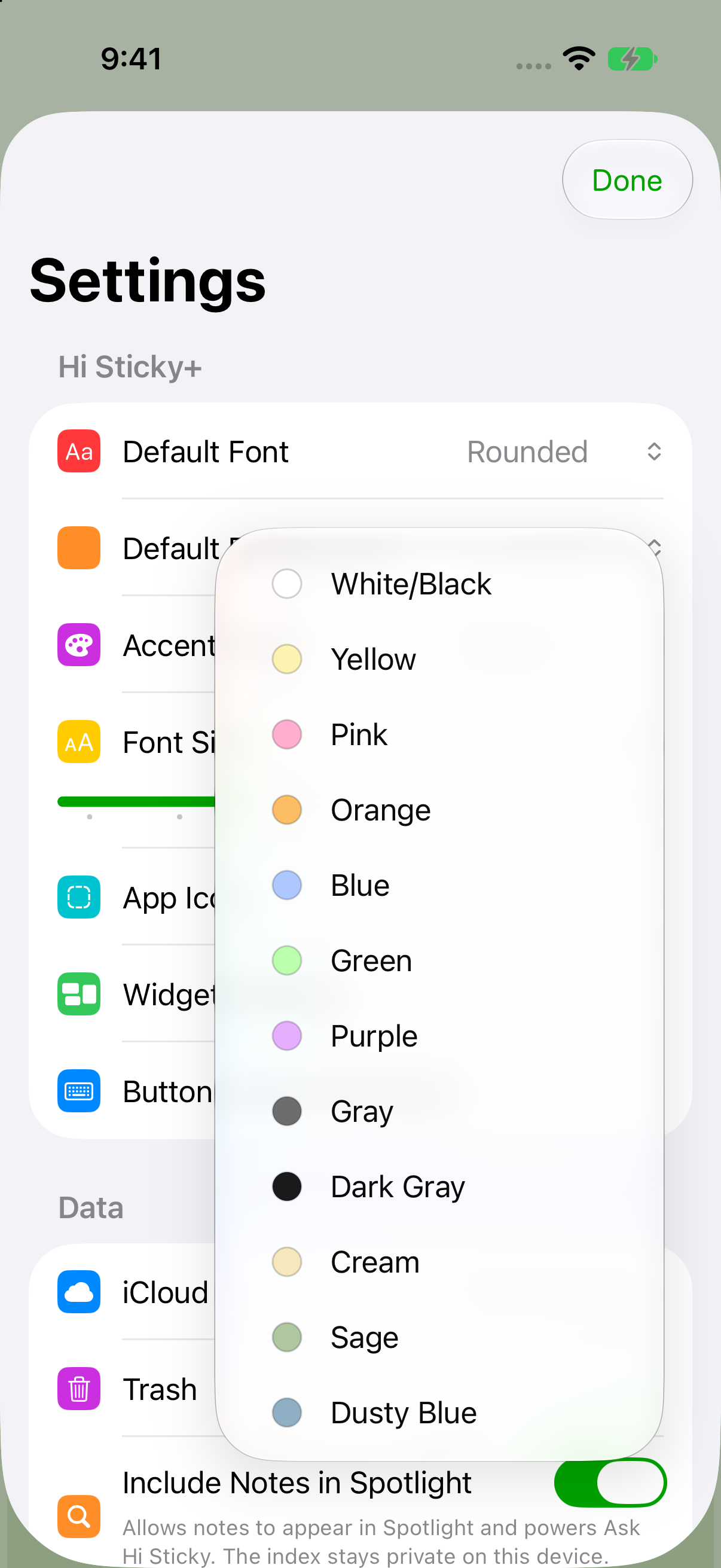
2. Background and Accent Colors
Give notes and the app their own color.
Set backgrounds per note, choose a default for new notes, and select the accent color used throughout the app. Font and background choices also carry into widgets.
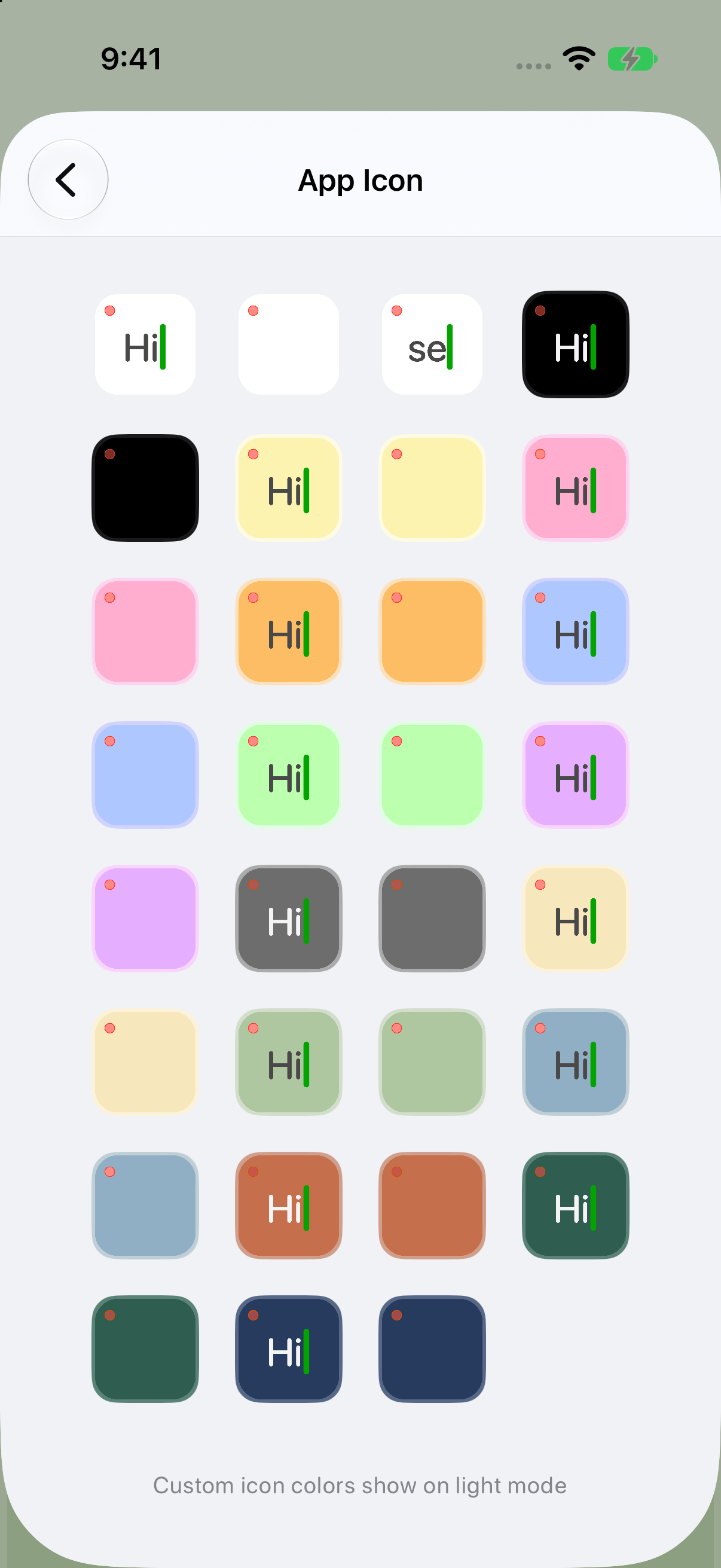
3. App Icons
Pick the icon that fits your Home Screen.
Choose from additional app icons with different colors and styles, so Hi Sticky can sit neatly with the rest of your setup.
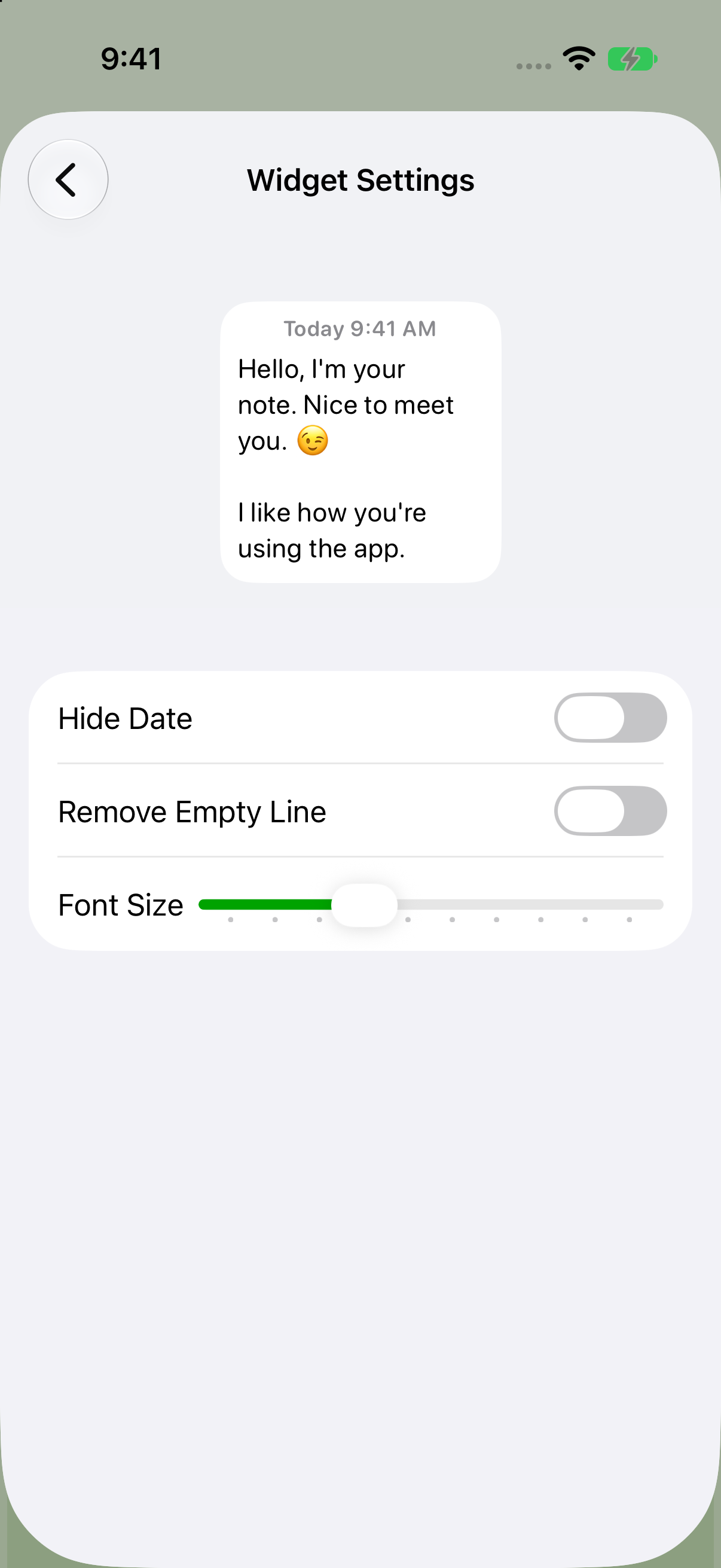
4. Widget Settings
Make widgets cleaner and easier to read.
Adjust widget display options such as hiding the date, removing empty lines, and changing font size. The preview updates as you adjust settings.
One purchase
Unlock once. Use everywhere.
Hi Sticky+ works across supported Apple devices with a single purchase and supports Family Sharing.