App intro
The Story Behind Hi Sticky
Hi Sticky began as a lightweight place for quick notes, temporary thoughts, useful links, and small pieces of writing that should follow you across Apple devices.

Why it exists
Sometimes a full writing app is more than the moment needs. Hi Sticky was made for the small notes that sit between ideas and action: a scratchpad sentence, a link to come back to, a temporary list, or text you want to keep nearby without managing files.
The goal was simple: keep the note plain, keep the interface calm, and make sure the text is available on every Apple device you use.
Built from the Mac outward
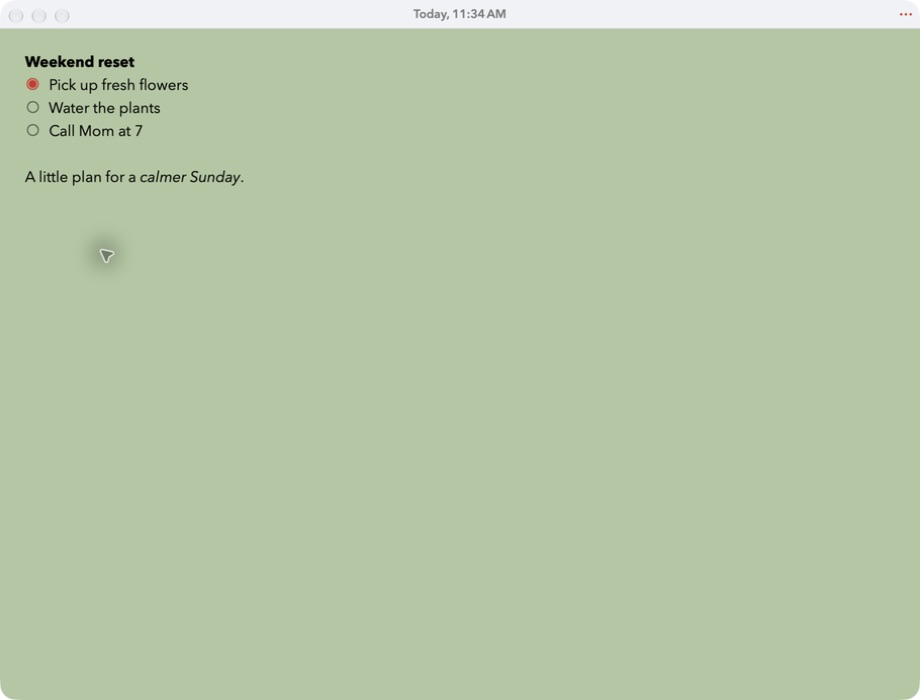
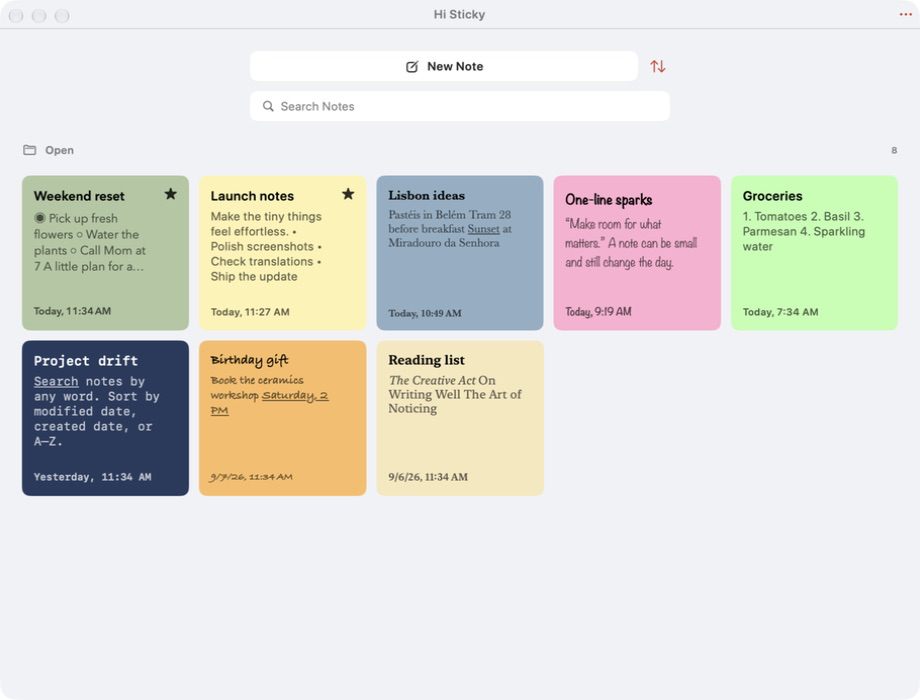
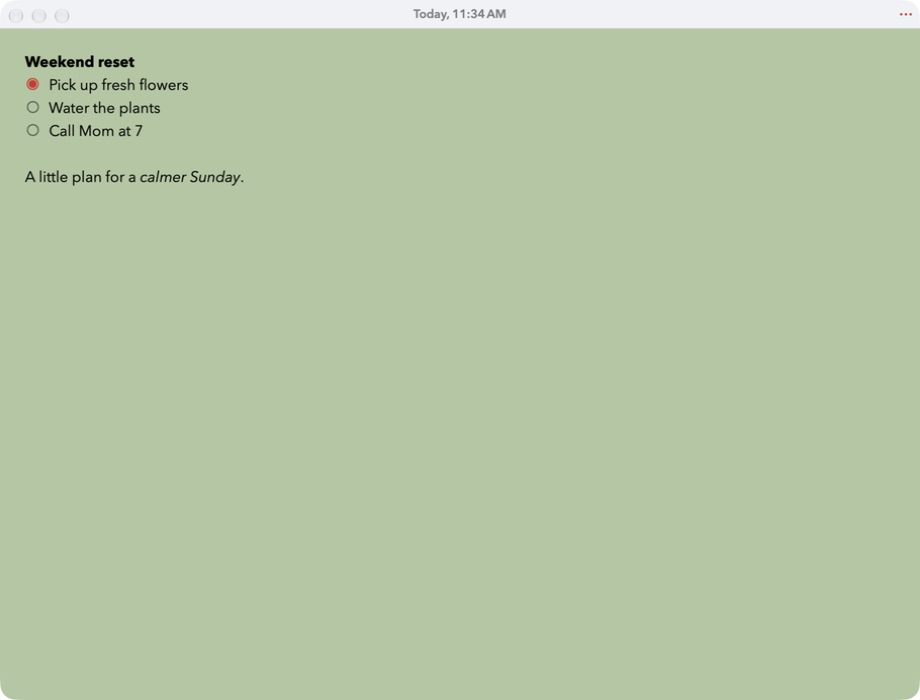
The original idea came from the simplicity of a Mac text window. A note can live in its own small window, stay out of the way, or float above other apps when you need it close. The visual initial page makes notes searchable and sortable, while Favorites remain at the top. Keyboard shortcuts make it easy to open, switch, format, and return.
A window-like feel on iPhone and iPad
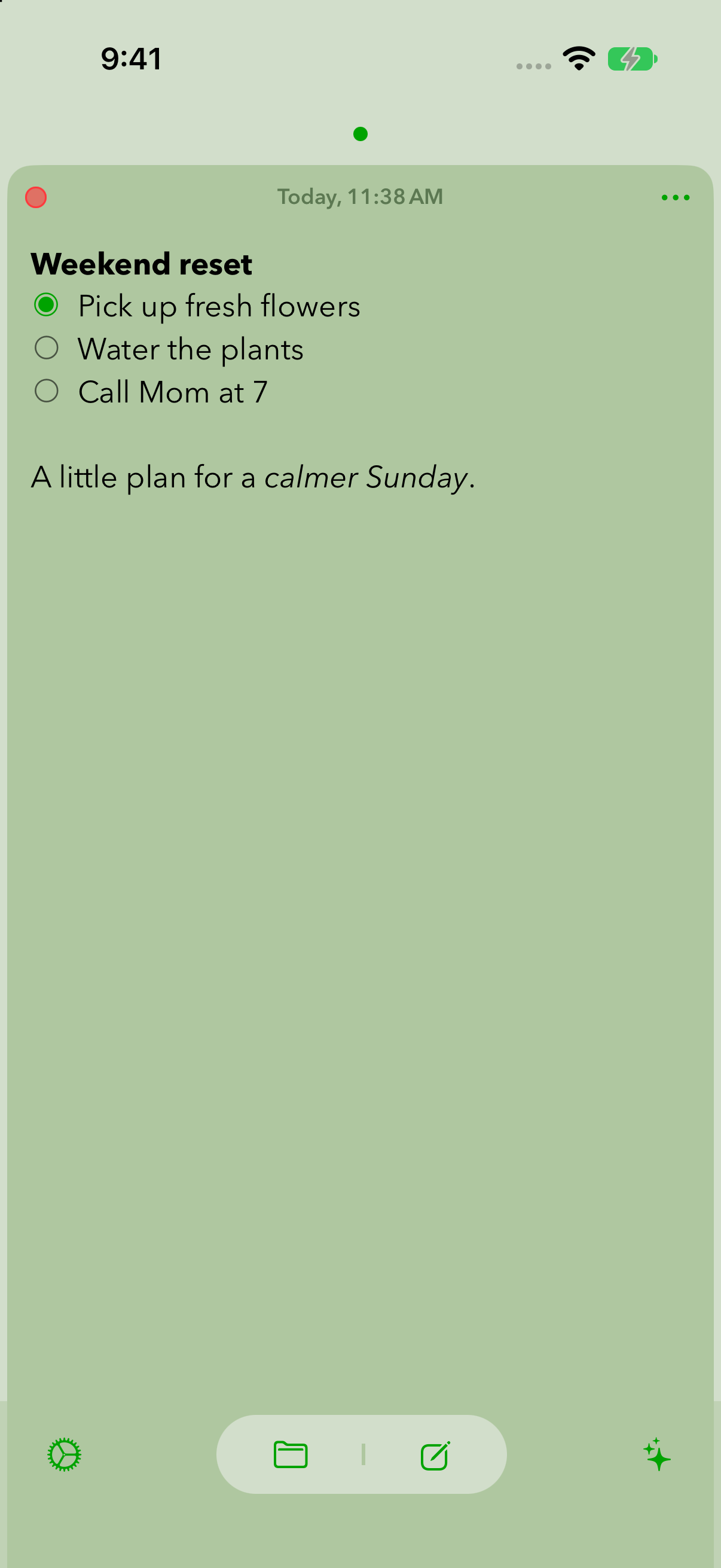
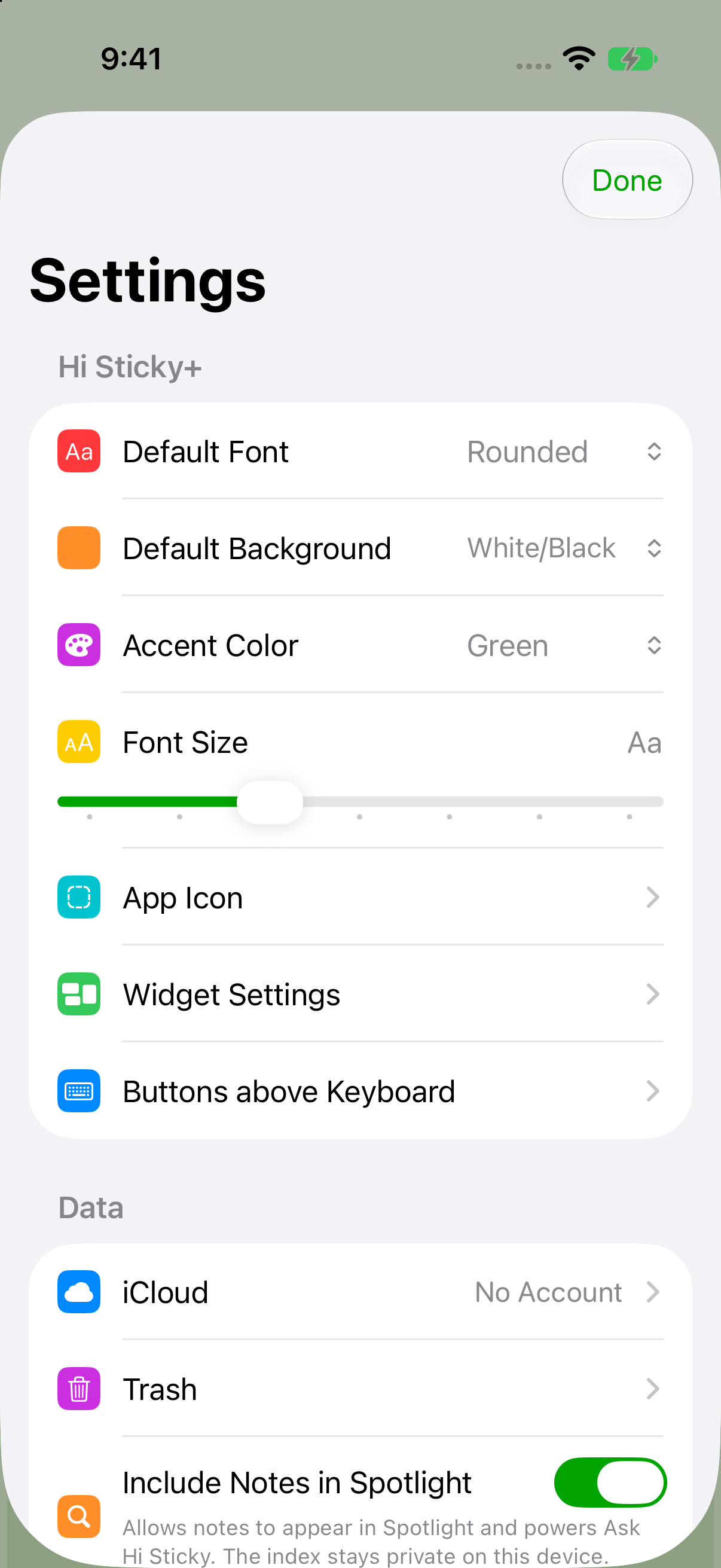
On iPhone and iPad, notes behave like small windows in a row. Open a note, create another, swipe between them, and close one when you are done. A long press can clear the open set so you can start fresh without deleting the notes themselves.
New notes are designed to be fast. Tap the compose button and the keyboard is ready, so the app gets out of the way as soon as the thought appears. A compact formatting bar adds emphasis, bullets, numbered steps, and tappable checkboxes when you need them.
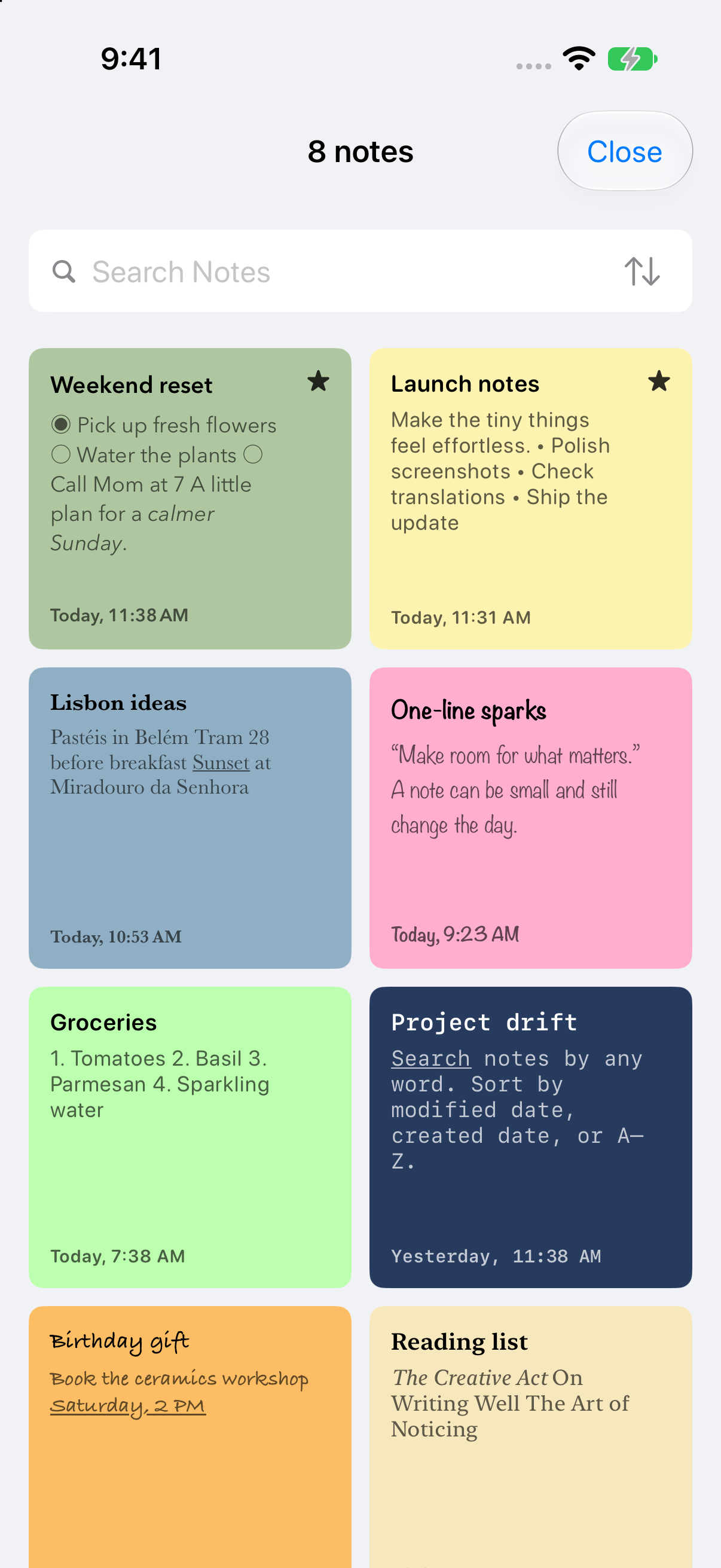
The visual note list shows fonts and backgrounds before you open anything. Search, choose a sort order, and long-press a note to mark it as a Favorite so it remains at the top.
What Hi Sticky can do
The app stays quick at its core while adding a little more structure for notes that need to remain useful.
Find important notes first
Search the visual note list, sort it your way, and keep Favorites above everything else.
Add just enough structure
Use emphasis, bullets, numbered lists, and interactive checkboxes without entering a separate editing mode.
Keep notes available
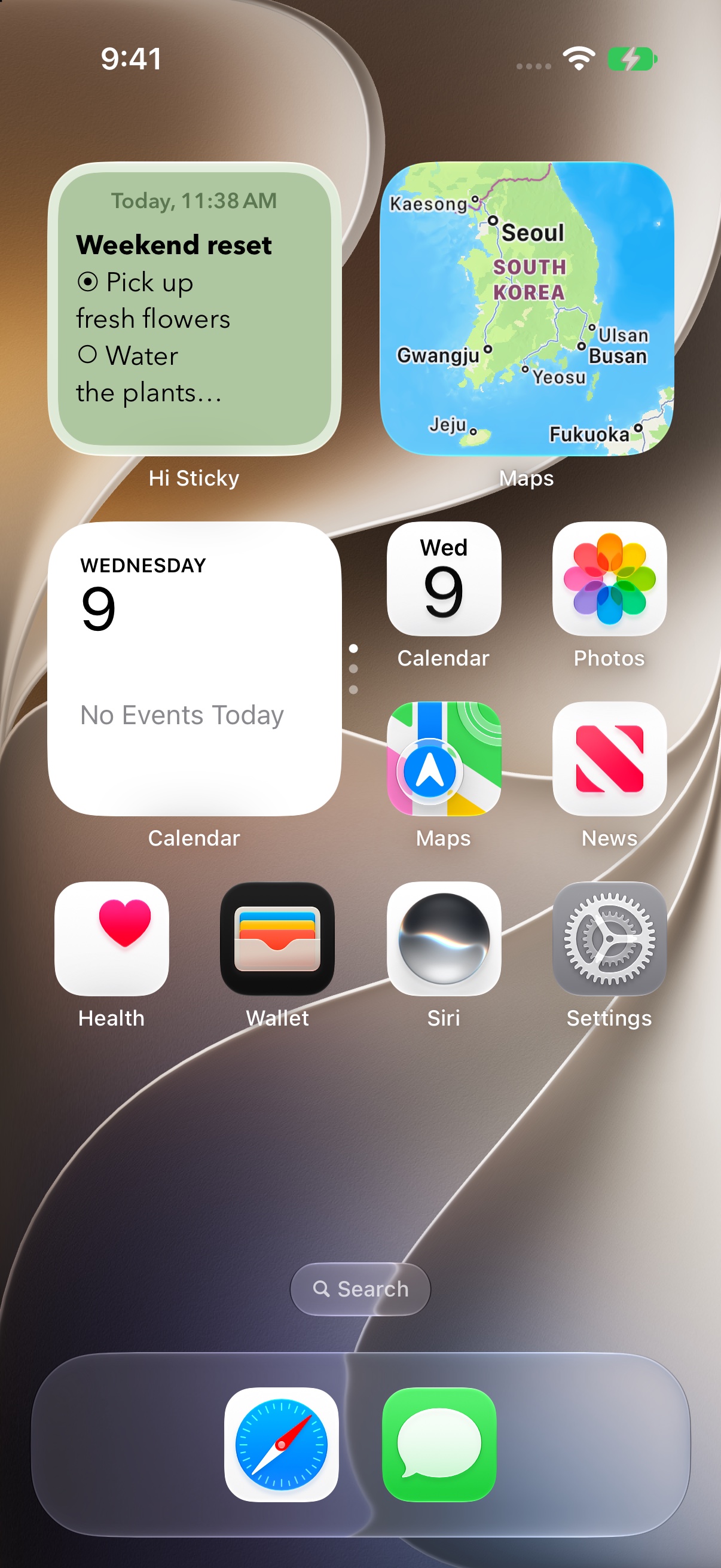
iCloud, widgets, Shortcuts, and Apple Watch keep recent and selected notes close across your devices.
Trash without drama
Hi Sticky is meant for everyday notes, not heavy document management. Deleting is intentionally simple, while a local trash area gives you a small safety net in case you need to recover something later.
From Notes SE to Hi Sticky
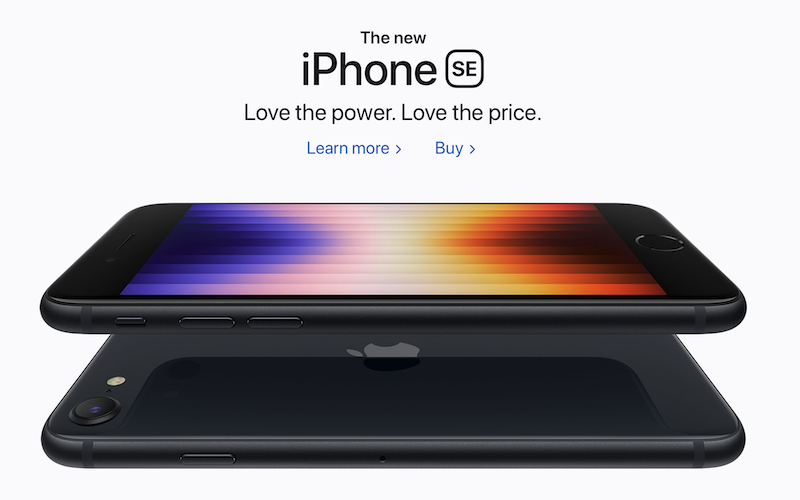
The app was first introduced as Notes SE, a lighter and simpler take on note taking. It later became Hi Sticky, a name that better fits its character: small notes that stay close, sync everywhere, and feel ready whenever you need them.
Keep a simple note close.
Hi Sticky is available on the App Store for iPhone, iPad, Mac, Apple Watch, and Apple Vision Pro.
Download on the App Store